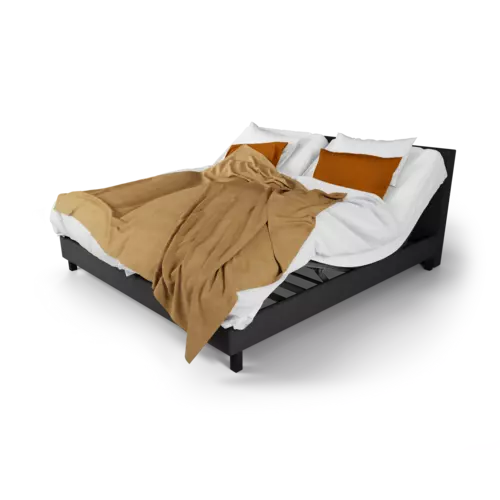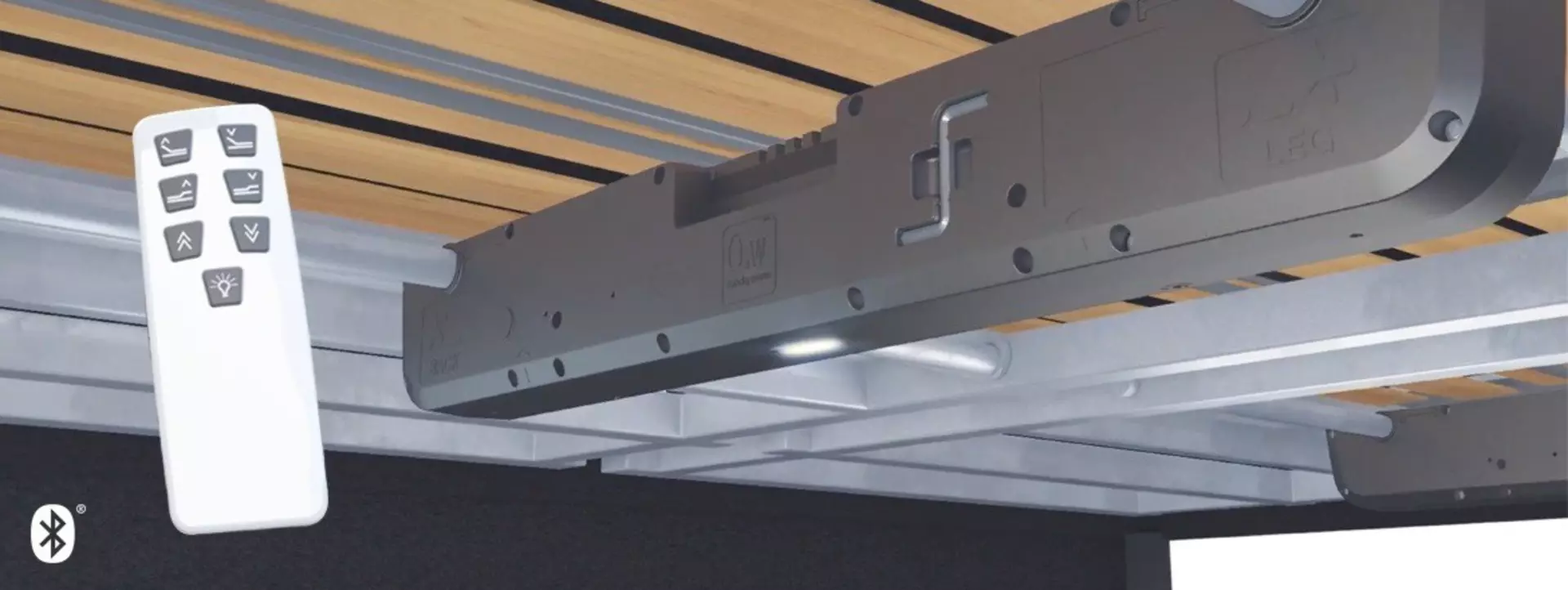
Das Koppeln von LINAK Handbedienungen, Smartphones und Tablets mit einem TD4 System über Bluetooth® ist ganz einfach.
Unabhängig davon, ob das System auf dem TD4 Standard oder dem TD4 Advanced basiert, die zugehörigen Bluetooth® Handbedienungen lassen sich in zwei einfachen Schritten koppeln. Schließen Sie den TD4 an das Stromnetz an. Der Kopplungsmodus ist anschließend drei Minuten lang aktiv (die Leuchtanzeige blinkt). Nehmen Sie eine beliebige LINAK Bluetooth® Handbedienung und drücken Sie gleichzeitig die beiden oberen Tasten. Wenn die Leuchtanzeige ein Mal lange blinkt, ist das Komfortbett mit der Handbedienung gekoppelt. Es ist wirklich kinderleicht.
Klingt zu gut, um wahr zu sein? Sehen Sie es mit eigenen Augen in dem Video unten.
See the full Bed Control™ App user manual guide for pairing here
Pairing a bed with a smartphone/tablet
LINAK also has a Bed Control App (iOS and Android) allowing users to pair the TD4 or TD5 dual actuator with their smartphone or tablet. Pairing your dual actuator system with such devices is just as easy. Step 1 is identical with the one mentioned above. Connect your actuator system to the power mains. Then activate Bluetooth® on your phone/tablet and open the LINAK Bed Control App and a “search-bed” page will be displayed. A list of active LINAK Bluetooth® applications nearby will be shown. Find your TD4/TD5 system (e.g. BED 1234) in the list and tap it. The phone/tablet is now connected.
If the customer wants to pair more than one hand control or more than one smartphone/tablet, it is equally as easy. Just repeat the process. Enjoy!
You can find more information about TD4 Standard, TD4 Advanced, TD5 Standard or TD5 Advanced as well as any of the comfort bed hand controls, or the LINAK Bed Control Apps, on this website. Otherwise, do not hesitate to contact your local LINAK office.